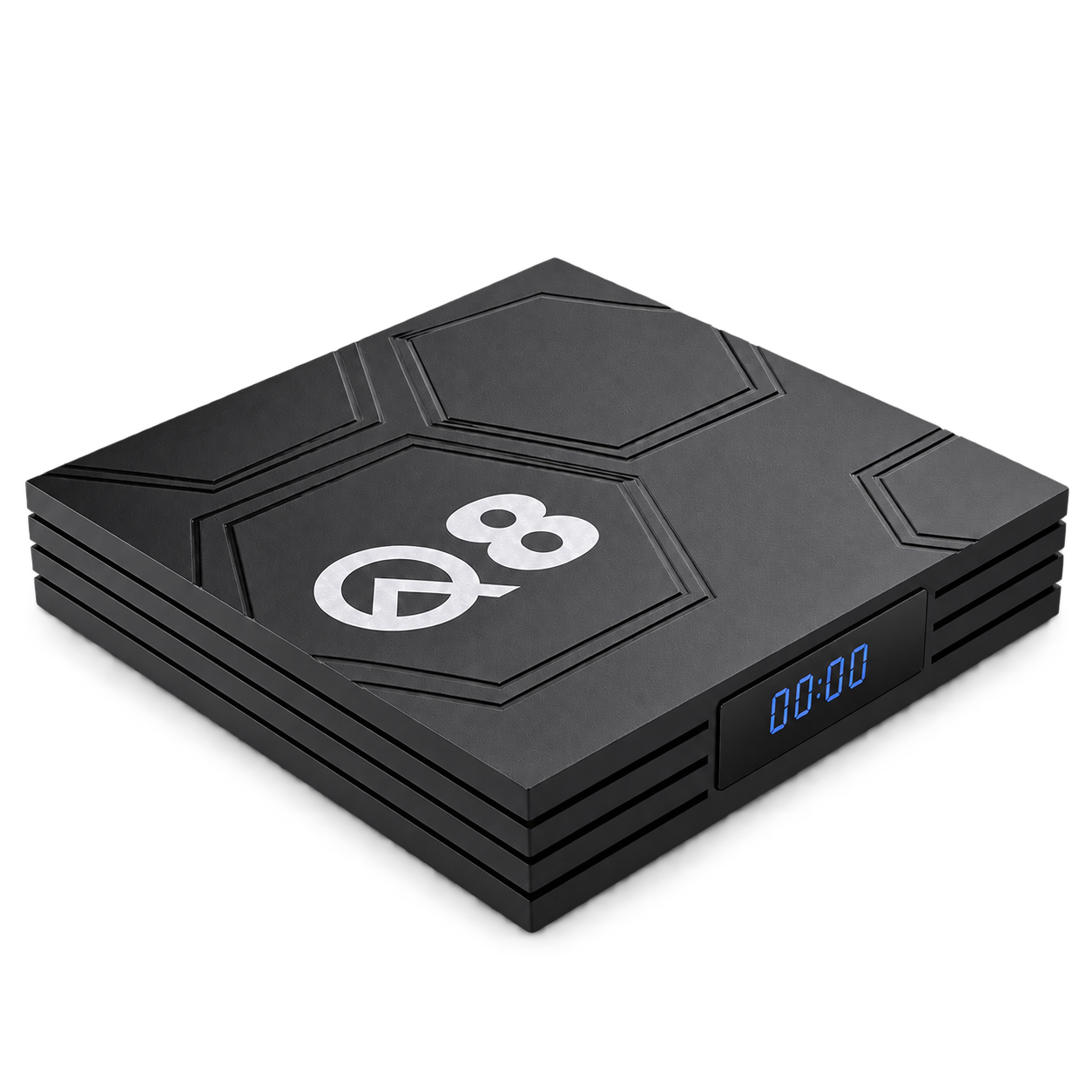
Product view
Android media box
Q8
Dual-band Wi-Fi. Bluetooth. USB-C power.
The Q8 pairs an Allwinner H618 processor with 2GB RAM and 16GB storage. Dual-band Wi-Fi, Bluetooth support and a USB-C power port offer flexible setup options.
- Allwinner H618 processor
- 2GB RAM and 16GB storage
- 2.4GHz and 5GHz Wi-Fi
$49.99USD
Selected configuration2GB RAM / 16GB storage
BOX-Q8-2G16GComing soon
Orders are not open yet.
More ways to connect.
Choose a Wi-Fi band for your network, pair compatible Bluetooth devices and power the Q8 through its USB-C port.
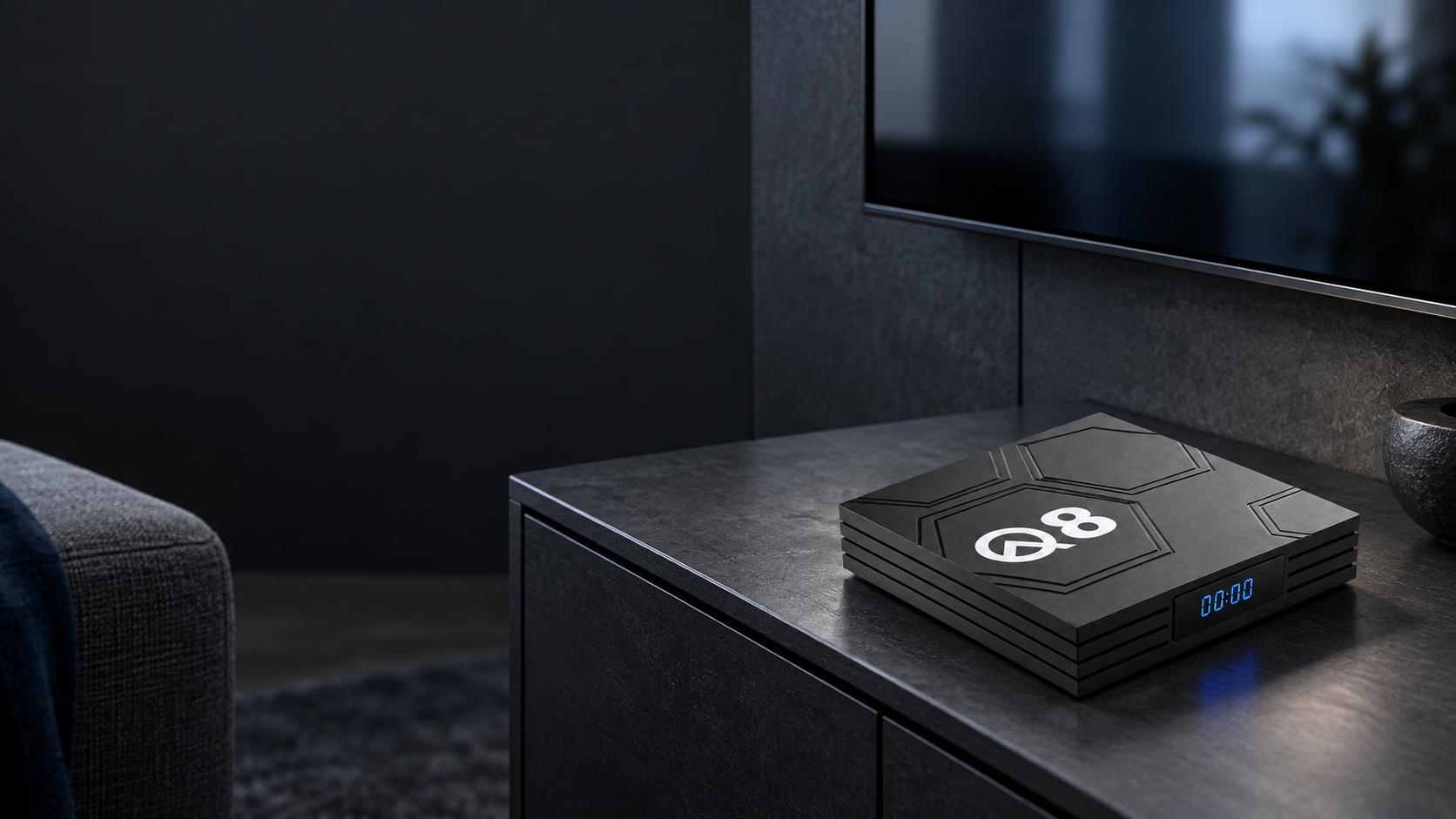
2.4 + 5GHz Wi-Fi
Two Wi-Fi bands
Connect to either a 2.4GHz or a 5GHz Wi-Fi network. Your router and network settings determine which band is available.
Bluetooth support
For compatible Bluetooth devices. Pairing options and supported profiles depend on the supplied firmware.
USB-C power port
The Q8 uses a USB-C power connector. Match the power supply to the device’s required voltage and current.
One clear configuration.
The Q8 is offered with 2GB RAM and 16GB storage, paired with an Allwinner H618 processor.
RAM supports apps while they run. Storage holds installed apps and local files; system software uses part of that space.
- RAM · selected configuration
- 2GB
- Storage · selected configuration
- 16GB
Allwinner H618Android
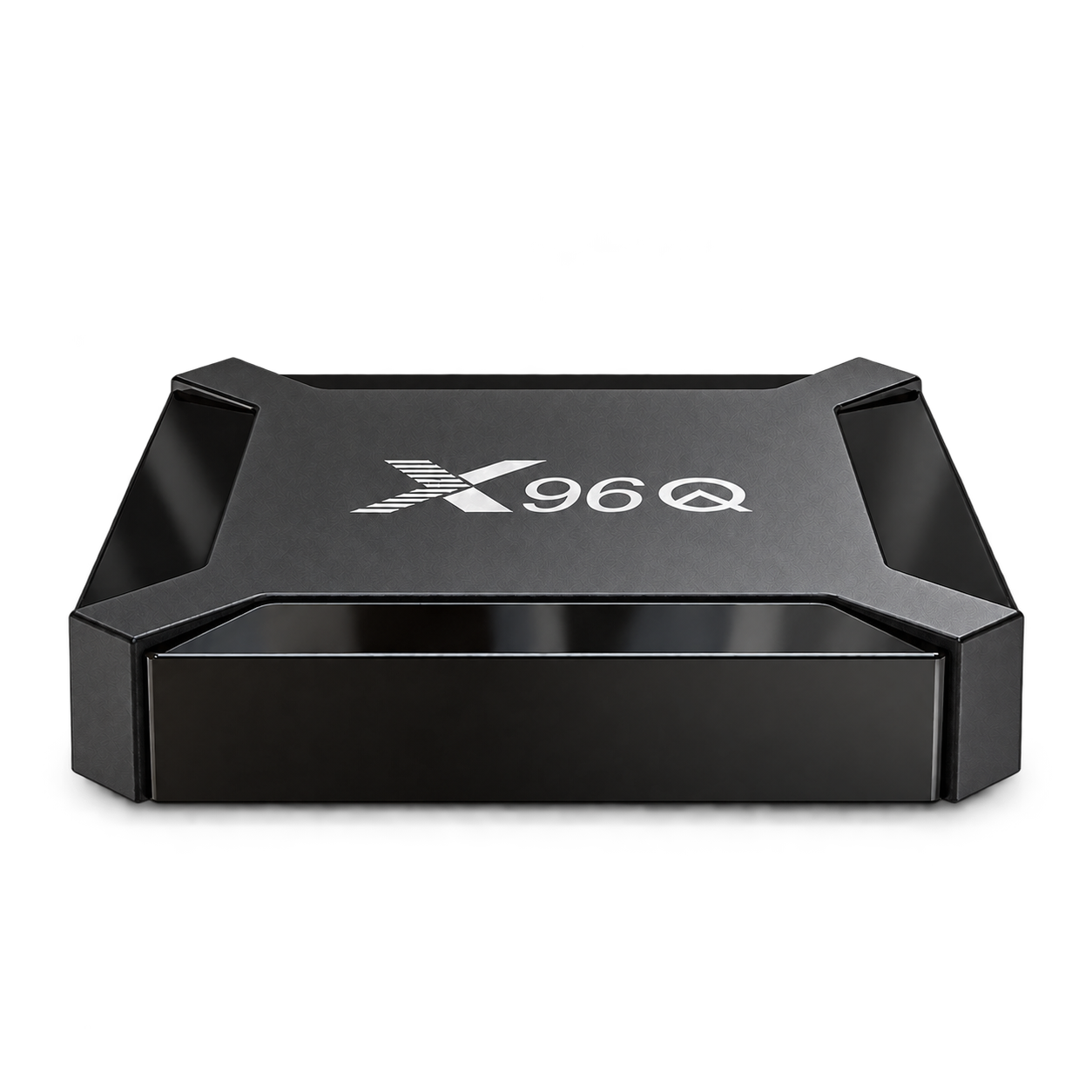
Consider X96Q if two memory options matter more to your setup than 5GHz Wi-Fi.
Compare with X96QPlan your app setup.
Install compatible Android apps from APK files. Installation options and app compatibility depend on the device firmware.
APK installation guideCheck your app requirements
Match the app’s operating-system, memory and installation requirements to the device and its supplied firmware.
Use a trusted APK source
Get the installation file from the app’s official publisher. Confirm that the file is intended for your device.
Follow the installation controls
Installation permissions and menu labels vary by firmware. Follow the device’s available controls, then check the app’s setup instructions.
The hardware, in detail.
Q8’s listed processor, memory, connections and video capability, organized for a closer look.
Core hardware
Processor and memory
- Processor
- Allwinner H618
- Operating system
- Android
- RAM
- 2GB
- Storage
- 16GB
Connections
Network and reception
- Wi-Fi
- 2.4GHz + 5GHz
- Bluetooth
- Supported
- Power port
- USB-C
Video
Capability and compatibility
- Video capability
- Up to 4K; format and app support depend on firmware
Before you choose.
Practical answers about Q8’s connections, configuration and software.
Does Q8 support 5GHz Wi-Fi?
Yes. The listed Wi-Fi bands are 2.4GHz and 5GHz. A compatible router and available network are required.
Can I use any USB-C charger?
USB-C describes the power connector. It does not establish USB Power Delivery support or the required voltage and current. Use a power supply that matches the device’s requirements.
What is the difference between Q8 and X96Q?
Q8 lists an Allwinner H618 processor, dual-band Wi-Fi and USB-C power. X96Q lists an Allwinner H313 processor, 2.4GHz Wi-Fi and two memory options. Both list Bluetooth support.
Can I install my own Android apps?
Compatible Android apps may be installed from APK files when the supplied firmware permits installation. Check the app’s operating-system, hardware and installation requirements. Compatibility with a particular app is not confirmed by the Android label alone.
What does video support up to 4K mean?
The listed video capability is up to 4K. Actual playback depends on the video format, app and device firmware, together with a compatible display setup.
Explore the alternatives.
Other android media boxes in the range.